- How to pick your first automation
- Sales and lead workflows
- Operations workflows
- Finance workflows
- People and admin workflows
- Choosing your tools: Zapier, Make, n8n or Power Automate
- Where AI fits into workflow automation
- Example scenario: automating quote-to-cash for a Calgary trades company
- Keep your automations from breaking
- Key Takeaways
- Ready to automate your first workflow?
- Frequently asked questions
Every small business has a handful of tasks that eat hours every week: copying details from a web form into the CRM, chasing unpaid invoices, sending the same onboarding emails, rebuilding the same Monday report. None of them require creativity, and all of them are easy to forget when things get busy.
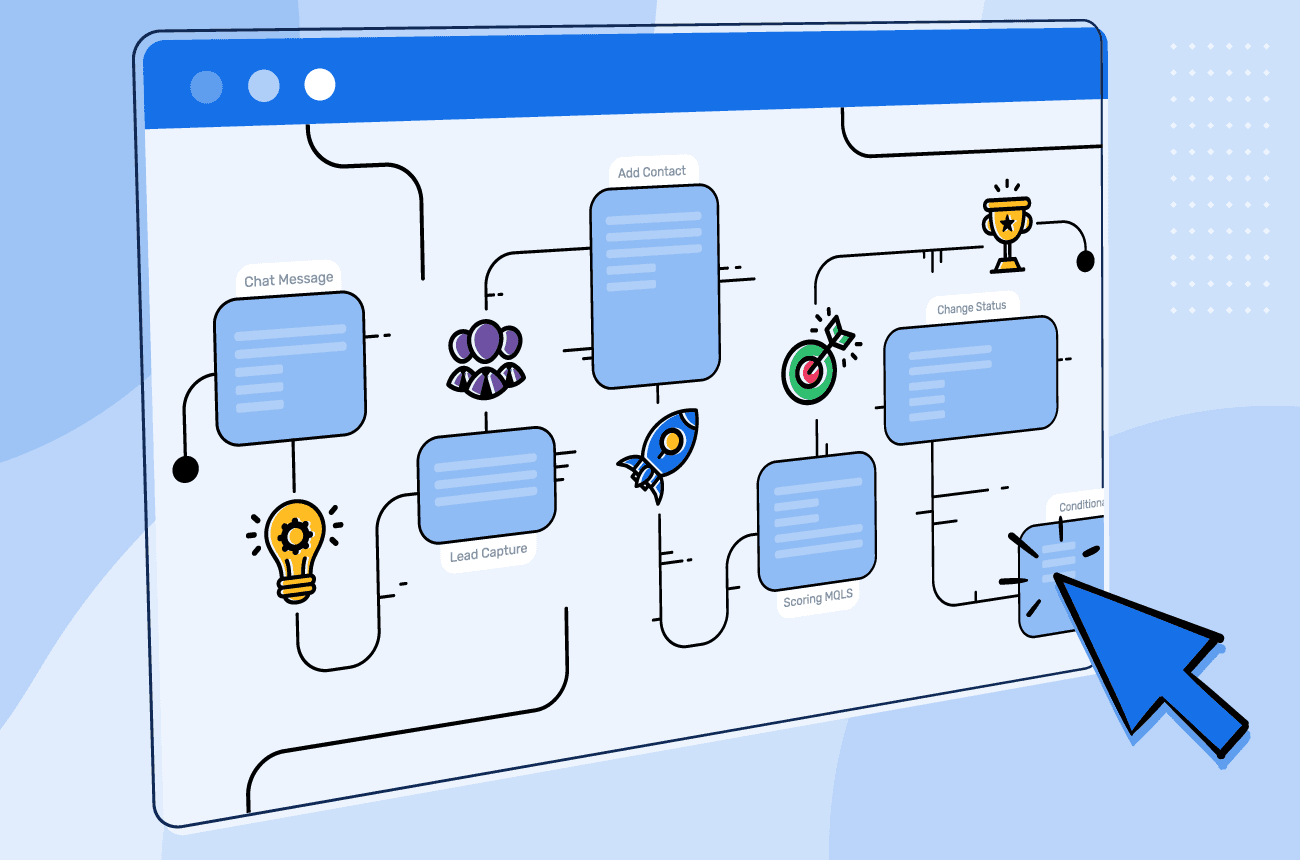
Workflow automation for small business means connecting the apps you already use so those steps happen automatically, accurately and instantly. Below are the 12 workflows Calgary businesses most often automate first, grouped by department, plus a simple way to pick your first win and keep your automations reliable.
How to pick your first automation
The best first automation is frequent, rules-based and painful when it goes wrong. Score each candidate from 1 to 5 on four questions:
- How often does it happen each week?
- How much time does each occurrence take?
- How costly are mistakes or delays?
- How consistent are the steps?
Start with the highest total score, not the most exciting idea. A reliable quick win builds confidence for bigger projects. When you're ready to weigh costs against benefits, our guide to business automation solutions in Calgary walks through the bigger picture.
Sales and lead workflows
1. Instant lead response. When someone submits a form, books a call or messages you, send a personalized confirmation within seconds and notify the right team member. Speed matters: the first business to respond often wins the work.
2. Lead capture and routing. Create or update the contact in your CRM automatically, tag the source, and assign the lead by service, territory or availability, so no inquiry lives only in an inbox.
3. Quote follow-ups. If a quote hasn't been accepted after a set number of days, send a friendly reminder and create a call task. Our guide to automating customer follow-ups includes ready-to-use sequences.
Operations workflows
4. Appointment reminders. Send email and SMS reminders before appointments, with easy confirm and reschedule links. Clinics, salons and trades see fewer no-shows almost immediately.
5. Project or job kickoff. When a deal is marked won, automatically create the project, assign tasks, share the client folder and send a welcome email with next steps.
6. Inventory reorder alerts. When stock falls below a threshold, alert purchasing or draft a purchase order for approval. Pair it with the practices in our inventory management guide.
Finance workflows
7. Invoice creation and payment reminders. Generate invoices when jobs are completed and send polite reminders on a schedule until they're paid, so cash flow doesn't depend on someone remembering.
8. Receipt and expense capture. Staff photograph receipts; AI extracts the vendor, date and amount, applies expense categories and routes anything unusual for approval.
9. Payment reconciliation alerts. Match payments received against open invoices and flag mismatches for review instead of reconciling everything by hand at month-end. Trades businesses can see the whole flow in our article on automating invoices and job tracking.
People and admin workflows
10. Employee onboarding. When a new hire is added, create their accounts, share policies and training, schedule check-ins and prepare equipment requests from one trigger.
11. Weekly reporting. Pull numbers from your CRM, accounting and scheduling tools into one summary delivered to leadership every Monday morning.
12. Document generation and e-signature. Build proposals, contracts and statements of work from templates using CRM data, then send them for e-signature and file the signed copy automatically.
Choosing your tools: Zapier, Make, n8n or Power Automate
Zapier: the easiest place to start, with a huge library of app connections. Great for straightforward workflows; costs can grow with high task volumes.
Make: a visual builder that handles branching, loops and data transformation well, often cost-effective for more complex scenarios.
n8n: open source and self-hostable, which gives you more control over where data is processed. A strong option when data residency matters.
Power Automate: the natural choice for businesses standardized on Microsoft 365, Teams, SharePoint and Outlook.
The right tool depends on your apps, volume, budget and privacy requirements. Many Calgary businesses use one primary platform and add a second only when there's a clear reason.
Where AI fits into workflow automation
Traditional automation follows fixed rules. AI adds judgment to steps that used to need a person:
- Classifying incoming emails and routing them to the right team
- Extracting data from invoices, receipts and forms
- Summarizing calls and meetings into CRM notes
- Drafting replies, proposals and follow-ups for human review
The pattern that works best is AI-assisted, human-approved: let AI prepare the work, and keep a person in the loop for anything that affects customers, money or compliance. Learn more about combining AI and automation in our AI solutions for small business guide.
Example scenario: automating quote-to-cash for a Calgary trades company
This is a composite example; the details are illustrative.
A residential renovation company sends quotes from a template, tracks them in a spreadsheet and invoices at the end of each week. Quotes go unanswered, and invoices go out late.
The company connects its website form, CRM, quoting tool and accounting software so that:
- New inquiries are logged in the CRM and receive an instant reply with booking options
- Accepted quotes automatically create a job, a deposit invoice and a crew schedule
- Completed jobs trigger the final invoice and a review request
- Unpaid invoices receive scheduled reminders, with overdue accounts flagged for a phone call
What they track: quote acceptance rate, days from job completion to invoice and days sales outstanding.
Keep your automations from breaking
Automations are software, and software needs light maintenance:
- Give every workflow a clear name and an owner
- Turn on error alerts so failures reach a person immediately
- Document what each workflow does in one shared page
- Use test records before changing a live workflow
- Review workflows quarterly and remove ones you no longer need
- Protect connections with multi-factor authentication and least-privilege access
Key Takeaways
Workflow automation for small business connects the tools you already use so repetitive steps happen automatically.
Choose your first automation by frequency, time spent, cost of mistakes and consistency.
Lead response, quote follow-ups, reminders, invoicing and onboarding are proven first wins.
Pick tools based on your apps and data residency needs, and add AI where judgment helps.
Name, monitor and review every workflow so automations stay reliable as you grow.
Ready to automate your first workflow?
AKAI Solutions implements workflow automation for small businesses and business automation solutions in Calgary using Zapier, Make, n8n and Power Automate. Book a free consultation and we'll identify the three workflows with the fastest payback for your team.
Frequently asked questions
Workflow automation connects the software you already use, such as your website, CRM, email, calendar and accounting tools, so repetitive steps like data entry, reminders and invoicing happen automatically based on triggers and rules.
Start with frequent, rules-based tasks where mistakes are costly: instant lead responses, CRM data entry, quote follow-ups, appointment reminders and invoice reminders are the most common first wins.
Zapier is the easiest to start with, Make handles complex logic cost-effectively, n8n can be self-hosted for more data control, and Power Automate suits Microsoft 365 businesses. The best choice depends on your apps, volume, budget and privacy requirements.
Not for most small business workflows. No-code platforms handle the majority of use cases. A consultant helps when workflows span many systems, involve sensitive data or need to be monitored and maintained reliably.
It can be very secure when set up properly: use multi-factor authentication, grant each connection only the access it needs, avoid moving sensitive data unnecessarily and monitor workflows for errors. Our business automation team builds these safeguards in by default.

Written by the AKAI Solutions team
We're a Calgary-based IT consulting team helping small and mid-sized businesses implement CRM, ERP, AI and automation. New practical guides every other Monday.
Talk to our team